

SaaS customer testimonial video: brief, questions and script
Updated 27 October 2026
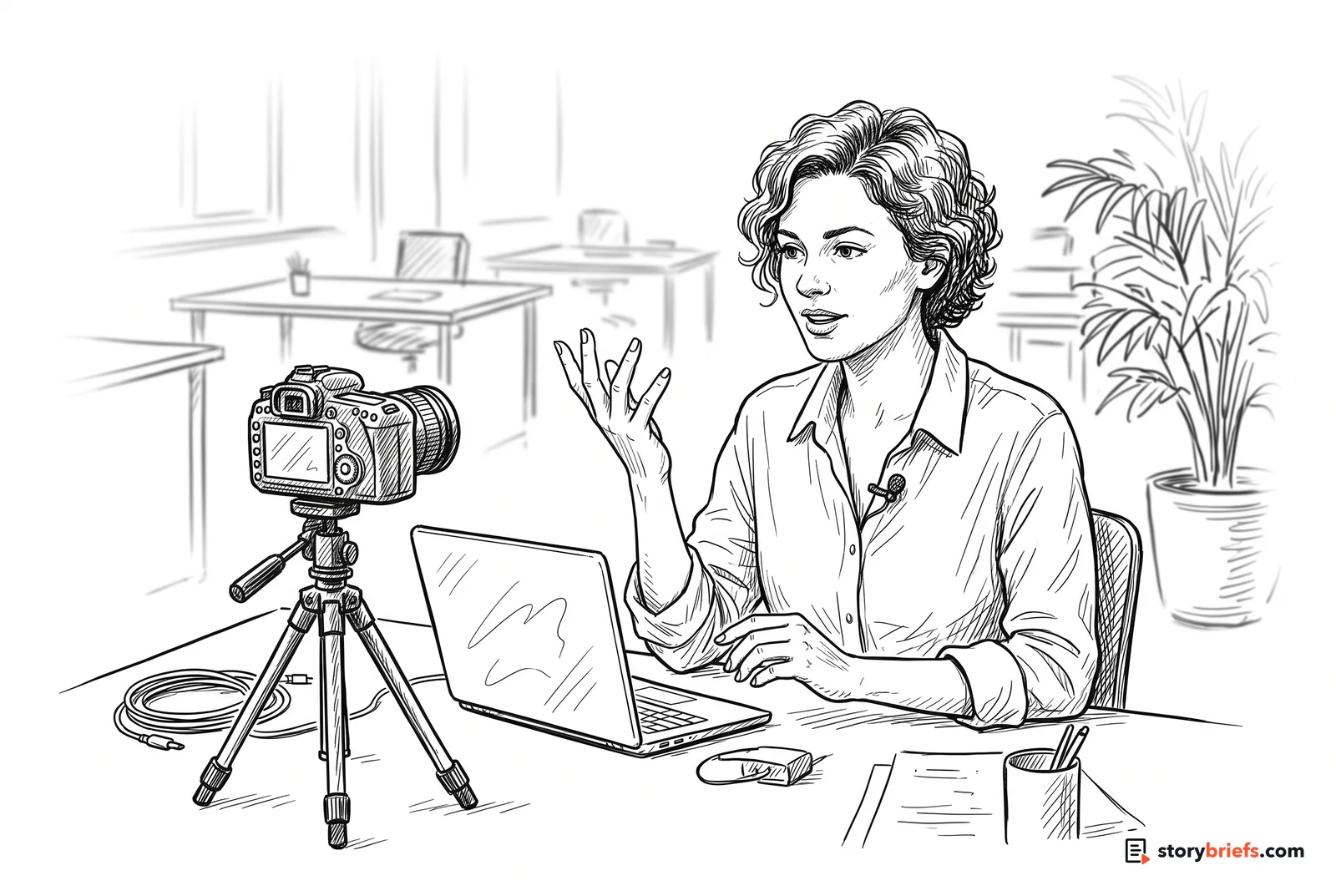
A SaaS testimonial isn't a product demo with a customer attached. It's the story of one person at a company like your buyer's: how work went before, why they took the risk of switching, and what their job looks like now. Interview the person who championed the purchase, keep the screen recordings short, get the customer's approval process started before you film, and keep it to 60–120 seconds.
- Length
- 60–120 seconds (15–30 s cutdowns for ads and sales emails)
- Best for
- Helping a champion convince the rest of their buying group
- Where to use it
- Pricing and product pages, Sales follow-up emails, Proposals and business cases, LinkedIn ads, Customer stories page
- Production level
- One interview at the customer's office or recorded remotely, plus B-roll and short screen captures
Why SaaS testimonials are different
Most testimonial videos have one job: convince the viewer. A SaaS testimonial usually has two. It has to convince the person watching, and then help that person convince everyone else in their company who has a say in the purchase.
That changes who you interview and what you ask. The most useful storyteller is rarely the most senior person; it’s the one who found the product, argued for it and lives in it every day. Viewers in the same seat recognise their workarounds and their worries, including the worry of putting their name on a new tool.
It also changes what you leave out. Screens go out of date, features change, and a long product walkthrough buries the person, who is the reason anyone believes the video. Keep the software in the background and the customer’s working life in the foreground.
A note on approvals and rules: many companies need their legal or communications team to approve any public endorsement, so start that conversation before you film. Advertising and consumer protection rules generally cover B2B testimonials too, including disclosing any incentive you offered, so check the rules where you and your customer operate.
The story structure
Every StoryBrief follows the five steps of the Storification framework. Here's how each one applies to this video.
Start with the job before the software
Open on what the customer's working week looked like before they switched: the workaround, the spreadsheet, the Monday report that took all morning. Buyers recognise their own workarounds faster than they recognise features, so the more ordinary and specific the detail, the better.
“Every Monday I'd export four reports, paste them into one spreadsheet and hope nobody had changed a column.”
“We had the data. It was just in six places, and I was the one who had to stitch it together.”
Show why they were willing to change
Switching software is a personal risk for the person who recommends it. Ask what they refused to put up with any longer, and what they were careful about when choosing. Those beliefs (not wanting to babysit a tool, wanting the team to actually use it) are what a viewer in the same seat shares.
“I didn't want another tool the team would log into twice and then forget about.”
“If I was going to put my name on it, it had to work without me in the middle of it.”
End on who they are at work now
Skip 'I'd recommend it to anyone'. Let the customer describe what their role looks like now, or who this is right for. The viewer is usually the champion inside their own company, so the close should make them feel like the kind of person who fixes this, not like someone being sold to.
“Now Monday is the day I actually talk to the team about what the numbers mean.”
“If you're the person everyone comes to for the report, this gives you your morning back.”
Build a set buyers can match themselves to
B2B buyers look for someone with their job title, company size or industry. Film a series using the same questions, and cover different roles (the hands-on user, the team lead, the person who signed off). Ask customers to share the finished video with their own network, and give your sales team a simple way to send the right one to the right prospect.
“On screen: 'Hear from an operations lead, a finance manager and a CTO who made the switch.'”
Put it where buying decisions get made
Most B2B purchases are decided by a group, often in meetings you're not in. Cut a short version a champion can paste into an internal email or a business case, put the full version beside pricing and on the matching product page, and make single-quote clips for LinkedIn. Caption everything, and keep a written transcript for people who won't press play.
“Sales email: 'You mentioned the weekly reporting. Here's how an ops lead in your position handled it.'”
Script template
| Beat | Time | Visual | Audio / VO |
|---|---|---|---|
| Cold open | 0:00–0:08 | Customer mid-sentence, tight shot, at their desk or in a meeting room | Strongest 'before' line about the old workaround, no intro |
| Who they are | 0:08–0:18 | Wider shot; name, role and company lower third (only with approval) | Their role and what their team is responsible for, in one or two sentences |
| The old way | 0:18–0:38 | B-roll of the real workplace: team meetings, whiteboards, the old spreadsheet if it can be shown | The moment the workaround stopped being good enough; what they'd already tried |
| Why they switched | 0:38–0:55 | Interview, slower pace | What mattered to them in choosing, and what nearly stopped them |
| What changed | 0:55–1:20 | Customer and team using the product in their real setting; one or two short screen captures of the workflow | What their week looks like now, with one concrete detail they and their company are happy to share |
| Identity close | 1:20–1:35 | Customer with their team or in their element; end card | Who this is right for, in their words; logo and a single next step on the end card |
Interview questions
- What's your role, and what is your team responsible for?Why: Gives a clean introduction and tells viewers whether this person is 'someone like me'.
- Before you started using the product, how did that part of the job actually get done?Why: Draws out the workaround, which is the Origin buyers recognise.
- Was there a moment when you thought 'we can't keep doing it this way'?Why: A specific trigger makes the most believable opening line.
- What had you already tried, and why didn't it stick?Why: Shows the viewer this customer is sceptical, like them.
- When you were comparing options, what mattered most to you?Why: Gets the Worldview: the values a viewer in the same seat shares.
- Who else had to be convinced, and what did they worry about?Why: Answers the buying group's objections in a peer's voice. Often the most useful part of a B2B testimonial.
- What nearly stopped you going ahead?Why: Names the risk the viewer is weighing right now.
- What was the first sign it was working?Why: Produces a concrete, human moment rather than a feature list.
- Walk me through a normal week now. What's different?Why: Gets the change as a scene, not a slogan.
- Is there a number or result you're comfortable sharing, and has your company approved it?Why: Results are persuasive only if they're real and cleared. Ask once, and don't push.
- Who do you think this would be right for?Why: Gives you the identity-based Invitation for the close.
Shot list
- Interview: main angle at eye level, customer looking just off camera at the interviewer
- Interview: second, tighter angle for cutting between lines
- Wide establishing shot of the customer's office or workspace
- Customer working with their team: stand-up, meeting, whiteboard
- Hands on keyboard and the product in use on their screen (check nothing confidential is visible)
- Two or three short screen captures of the workflow they talk about, recorded with dummy data
- The 'before', if it can be shown honestly: the old spreadsheet with sample data, sticky notes, printouts
- Candid moments: walking in, laughing with colleagues
- A still portrait for thumbnails, quote cards and the customer stories page
What it costs
Ranges are USD for one finished testimonial plus cutdowns. The low end is a remote interview recorded with a browser tool and edited in-house. Price rises with travel to the customer's site, crew size, motion graphics or animated UI, and the number of review rounds (yours and the customer's). It falls when you film two or three customers in one city on the same trip, or several people at one customer on the same day.
Common mistakes
- Turning it into a demo. If more than a few seconds is screen recording, it's a product tour with a voiceover, and the person (the reason anyone believes it) disappears.
- Interviewing the most senior person instead of the person who uses the product. Executives give polished lines; hands-on users give the specific details viewers believe.
- Starting the customer's approval process after the edit. Many companies need their legal, PR or communications team to sign off on any endorsement. Ask what's needed before you book the shoot.
- Leaning on numbers the customer can't stand behind. Only use results the customer has measured and their company has approved, and say what they're measured against.
- Filming the real product with real data on screen. Customer records, revenue and other people's names can end up in shot. Use dummy data for screen captures and check every frame.
- Offering a discount, credit or gift for the testimonial without saying so. In many places, including the US under the FTC's Endorsement Guides, a material connection has to be disclosed.
- Letting the UI date the video. Interfaces change every few months; keep screen footage short and generic so the story outlasts the next redesign.
Useful tools
- Riverside: record a remote customer interview in high quality from their browser
- Vocal Video: collect short, self-recorded testimonials from several customers using guided questions
- Descript: edit interviews by editing the transcript, record screen captures, and add captions
- Artlist: licensed music for the finished cut and social versions
FAQ
Who should I interview for a SaaS testimonial?
Usually the champion: the person who found the product, argued for it internally and uses it most. Their story matches your viewer's, because the viewer is often the champion in their own company. Add a short line from the person who signed off if you can, to speak to the budget holder's concerns.
Should I film in person or record remotely?
In person gives you B-roll of the customer's real workplace and team, which makes the story feel lived in. Remote recording costs far less and suits shorter clips, a series of quick testimonials, or customers in other countries. Many teams do one in-person flagship and a set of remote ones.
Can I put the customer's logo and results in the video?
Only with their permission. Get a signed release that covers the person's appearance, the company name and logo, any figures quoted, where the video will run and for how long. Large customers often have a brand or communications team that has to approve this, so allow time for it.
Are there rules about B2B testimonials?
Yes. Consumer protection and advertising rules generally apply to business-to-business advertising too. In the US, the FTC's Endorsement Guides cover testimonials, including disclosing incentives and not implying results that aren't typical. Australia's ACCC and the UK's CMA and ASA have their own rules on misleading claims and reviews. If your customer works in health, finance or law, their own regulator may restrict what they can say publicly. Check the rules where you and your customer operate before publishing.
How long should a SaaS testimonial video be?
60–120 seconds for the main version on your website, with 15–30 second cutdowns for ads, LinkedIn and sales emails. A 30-second version that a champion can drop into an internal email often does more work than the full cut.
Do I need screen recordings of the product?
A few seconds helps viewers picture the workflow the customer describes. Keep each capture short, use dummy data, and let the customer's voice carry the story. Detailed product walkthroughs belong in a separate demo video.